Skip to content
Techy Ultra
Blogging
Technology
Earning Ideas
Android Tips & Fixes
Techy Ultra
Blogging
Technology
Earning Ideas
Android Tips & Fixes
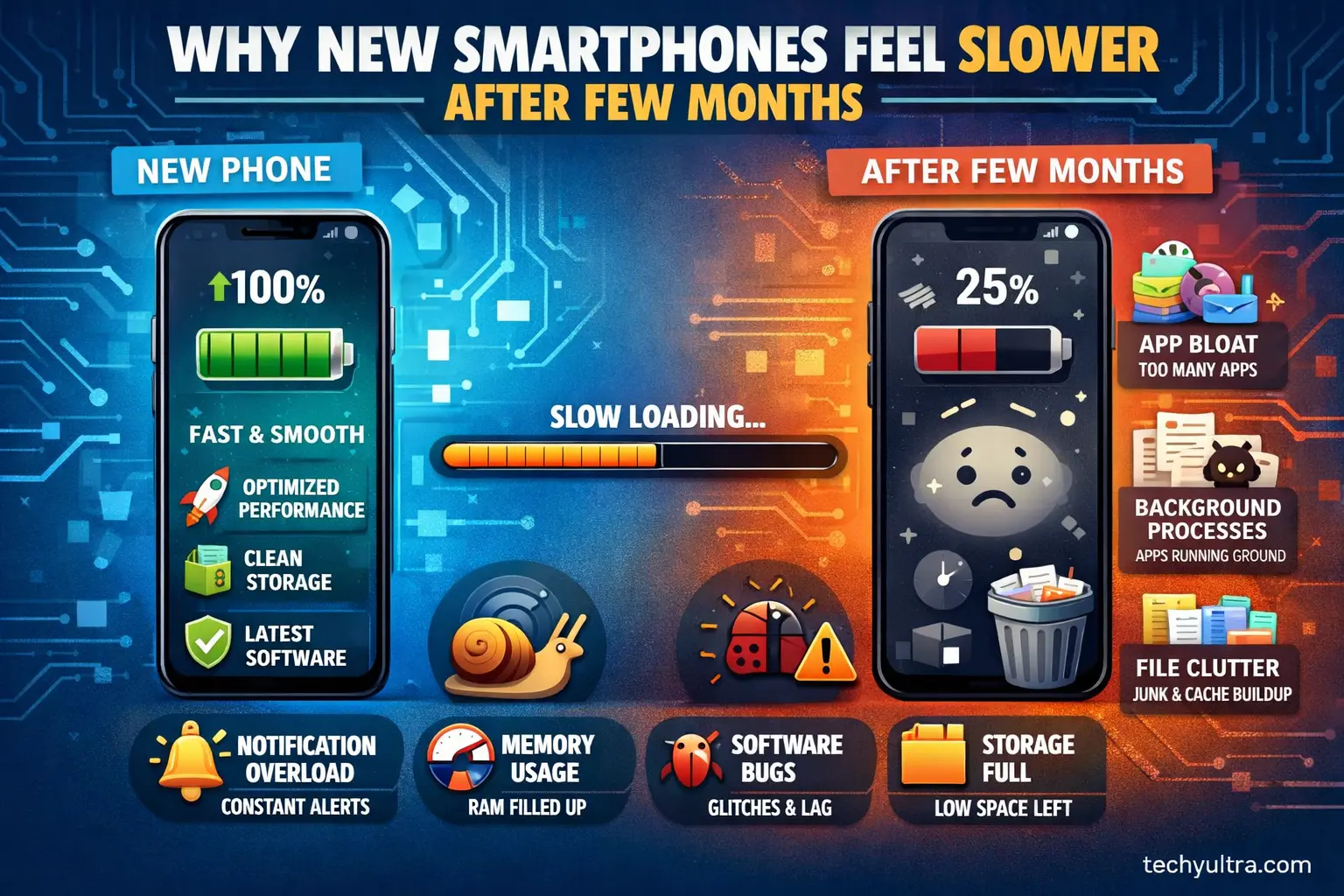
Why New Smartphones Feel Slower After Few Months
12/02/2026
Android Tips & Fixes
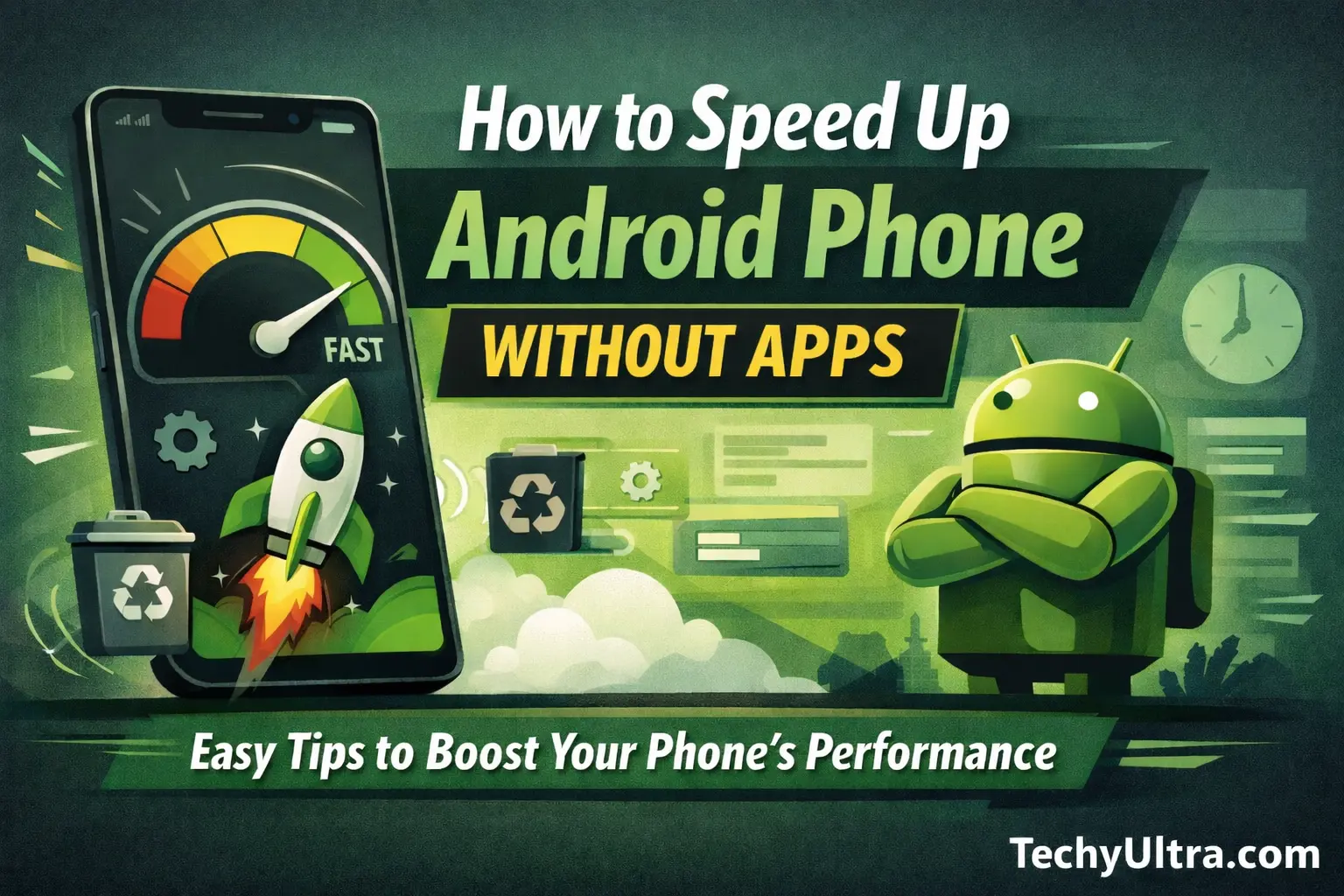
How to Speed Up Android Phone Without Apps (Easy & Safe Fixes)
23/12/2025
Start typing and press enter to search
Search...
Table of Contents
×
Why Android Phones Become Slow Over Time
1. Restart Your Phone
2. Clear Cache
3. Disable or Remove Unused Apps
4. Reduce Animations
Enable Developer Options:
Change these settings:
5. Free Up Internal Storage
Easy ways to free space:
6. Turn Off Auto-Sync for Unnecessary Accounts
Disable what you don’t need:
Keep Auto-Sync enabled only for:
7. Limit Background Processes
Steps to limit background processes:
8. Update System Software
Update only when:
9. Use Lite Versions of Built-in Features
Examples:
10. Reset App Preferences (Safe Method)
Reset app preferences:
Bonus Tip
Frequently Asked Questions (FAQ)
❓Why is my Android phone so slow?
❓Can you speed up Android without apps?
❓Does clearing the cache speed up Android?
❓How to make Android phone faster for free?
Final Thoughts
→
Index
Scroll to Top