If you bought a smartphone five or six years ago, chances are you opened the SIM tray, inserted a tiny plastic card, and that was it. That small chip was your identity on the mobile network. It has been that way for decades.
But over the last few years, something interesting has started to change. Many modern smartphones don’t actually need that physical card anymore. Instead, they use something built directly into the device.
That’s where eSIM technology comes in.
The first time I activated an eSIM, it was on a Pixel phone using Airtel. I had to scan a QR code from their app, and the activation took about a minute. Within a minute my number was active without inserting any SIM card. The first time I tried it, I was honestly a little doubtful. Not having a physical SIM card felt strange. But after using it for a while, I started to understand why phone manufacturers and network carriers are slowly moving in this direction.
In this article, we’ll go through how it works, how it compares to traditional SIM cards, whether it’s safe, how much it costs, and how you can switch from a regular SIM to eSIM if your phone supports it.
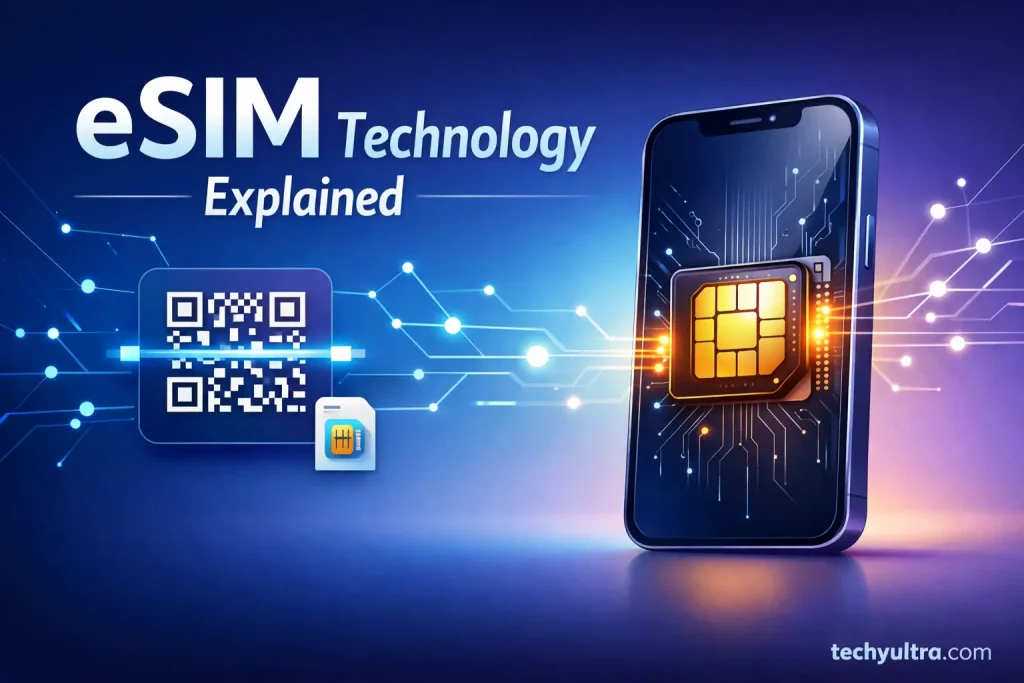
What Is eSIM and How Does It Work?
A traditional SIM card is a removable chip that stores your subscriber identity. When you insert it into a phone, the network recognizes you and connects your device to mobile services.
An eSIM works differently. Instead of a removable card, the SIM is embedded directly into the phone’s hardware. That’s actually where the name comes from an embedded SIM.
The chip is permanently embedded inside the phone during manufacturing. But the mobile network profile that connects you to your carrier is downloaded digitally.
In simple terms, the process usually looks like this:
- You don’t insert anything into the phone
- Your carrier gives you a QR code or activation code
- The phone downloads the network profile and activates it
After that, the phone behaves exactly like it has a regular SIM.
One interesting thing about this setup is that the phone can store multiple network profiles. That means you can keep different carriers saved and switch between them without physically swapping SIM cards.
This is especially useful for people who travel often or use separate work and personal numbers.
eSIM vs Physical SIM
The easiest way to understand the difference is to think about convenience and flexibility.
A physical SIM card is simple. You insert it, the phone reads it, and the network activates your service. If you want to switch phones, you just remove the SIM card and place it in another device.
With an eSIM, you don’t have a card to move around. Instead, everything happens digitally through the phone’s settings.
When comparing eSIM vs physical SIM, the biggest difference is how mobile profiles are managed.
Physical SIM cards rely on hardware swapping. eSIM relies on software configuration.
There are a few practical differences people notice:
Physical SIM cards are still easier when you switch devices often, you just move the card and you’re done.
eSIM, on the other hand, is more convenient when switching carriers or adding multiple plans. You can activate a new profile in minutes without visiting a store.
Another difference is space inside the phone. Removing the SIM tray frees up a little internal space. That space can be used for larger batteries, additional sensors, or improved waterproofing.
It might sound like a small detail, but smartphone manufacturers care a lot about every bit of space inside a device.
Advantages and Disadvantages of eSIM
The shift toward digital SIMs isn’t just a trend. There are some real benefits.
Advantages of eSIM
One of the biggest advantages of eSIM is convenience.
You can activate a mobile plan almost instantly. Many carriers allow activation through QR codes or apps, which means you don’t have to wait for a SIM card to arrive.
Another benefit is easier carrier switching. If you’re traveling, you can add a local data plan without removing your primary number.
For people who travel internationally, this can save both time and roaming charges.
There’s also a design advantage. Phones without SIM trays are easier to seal against water and dust. Some newer devices are starting to move entirely to eSIM for this reason.
Another underrated advantage is multiple profiles. Some phones allow two or more network profiles stored simultaneously.
You might use one number for work and another for personal calls without juggling two physical cards.
Disadvantages of eSIM
Of course, eSIM isn’t perfect yet.
The first limitation is compatibility. Not every phone supports eSIM, A lot of budget phones still rely on physical SIM cards. But Flagship phones like iPhone 17, Samsung Galaxy S26, and Google Pixel 10 supports eSim.
The second issue is switching devices. With a physical SIM, moving to another phone takes seconds. With eSIM, you often need to deactivate the profile and reactivate it on the new device.
That process depends heavily on your carrier.
Another minor inconvenience is troubleshooting. If something goes wrong with a physical SIM, you can quickly replace the card. With eSIM, the process sometimes requires contacting your carrier.
For most people it’s manageable, but it’s not quite as simple as swapping a card.
| Advantages of eSIM | Disadvantages of eSIM |
|---|---|
| No physical SIM card required | Not supported on all smartphones |
| Quick digital activation through QR code | Switching devices may require carrier assistance |
| Multiple mobile profiles can be stored | Some carriers still have limited support |
| Useful for travelers using international data plans | Troubleshooting may require contacting the carrier |
| Better device design without SIM tray | Harder to quickly swap phones |
Overall, the advantages of eSIM make it appealing for modern smartphones, but physical SIM cards still remain more practical in certain situations.
Is eSIM Safe?
A question that comes up frequently is: is eSIM safe?
From a technical perspective, it’s actually quite secure.
The mobile profile is downloaded using encrypted communication between the device and the carrier. This process is known as remote SIM provisioning.
Because the SIM chip is embedded in the device, it cannot be physically removed or tampered with easily.
Because of that, it removes some of the risks that come with physical SIM cards.
For example, traditional SIM cards can be stolen or removed from a device. An embedded SIM is harder to access.
However, the biggest real-world risk still comes from SIM swap attacks, which target mobile carriers rather than the SIM technology itself.
In these attacks, someone convinces the carrier to transfer a phone number to another SIM.
Whether you use a physical SIM or an embedded one, the best protection is enabling:
- strong account security
- PIN protection
- two-factor authentication
So overall, the technology itself is not less secure than traditional SIM cards.
iPhone eSIM vs Android eSIM
Both major smartphone platforms support eSIM, but the implementation feels slightly different.
Apple was one of the companies that started pushing eSIM fairly early. Many recent iPhones support dual SIM using one physical SIM and one eSIM.
In some regions, newer iPhone models rely entirely on eSIM without a SIM tray.
Android phones also support eSIM, but availability varies depending on the manufacturer. Devices from Samsung, Google Pixel, and some flagship models from other brands support it.
One noticeable difference is the setup experience.
On iPhones, activation is usually handled through the Cellular settings menu where you scan the QR code or transfer a profile from another device.
Android phones use a similar approach but the menu structure varies between manufacturers.
Overall, both platforms handle it well once everything is configured.
How to Convert a Physical SIM to eSIM
If your phone supports it, many carriers allow you to convert physical SIM to eSIM.
The exact steps depend on your network provider, but the general process looks like this:
First, check whether your smartphone supports eSIM. This option is usually found in the network or SIM settings.
Next, contact your carrier or open their mobile app. Some carriers allow direct conversion from within the app.
Others provide a QR code that activates the digital SIM profile.
Once you scan the QR code in your phone’s settings, the device downloads the network profile and activates the number.
After the process is complete, the old physical SIM is usually deactivated automatically.
The whole process usually doesn’t take very long. In many cases, it’s done within a few minutes.
How to Convert eSIM Back to a Physical SIM
Sometimes people decide they want to go back to a regular SIM card.
This might happen if they are switching to an older phone or a device that doesn’t support eSIM.
The process usually requires contacting your carrier.
They will deactivate the eSIM profile and issue a new physical SIM card linked to the same number.
After inserting the new SIM into your phone and activating it, your number should work normally again.
It’s a straightforward process, though it may require visiting a carrier store depending on your provider.
How to Delete or Remove an eSIM
Removing an eSIM profile from a phone is fairly simple.
Most smartphones allow this directly in the cellular settings.
The steps typically look something like this:
- Open phone settings
- Navigate to cellular or SIM settings
- Select the active eSIM profile
- Choose the remove or delete option
Once the profile is removed, the phone disconnects from that network.
However, deleting a profile doesn’t cancel the mobile plan itself. That still needs to be handled through the carrier.
Frequently Asked Questions
-
Can I use eSIM and physical SIM together?
Yes. Many phones support dual SIM functionality where one line uses a physical SIM and the other uses an embedded SIM.
-
Does eSIM cost extra?
Usually the mobile plan costs the same as a traditional SIM. Some carriers charge a small activation fee for setting up the digital profile.
-
Can I transfer eSIM to another phone?
Yes, but the process depends on the carrier. Some networks allow quick transfers, while others require generating a new QR code.
-
Does eSIM work without internet?
The phone needs internet access during the initial activation. After that, the mobile network operates normally.
-
Do all smartphones support eSIM?
No. eSIM Support is mostly found in flagship phones and some newer mid-range devices. Budget phones often still rely on physical SIM cards.

Hi, I’m Aditya Sharma, a BSc in Radiology student and founder of Techy Ultra, a tech blog covering AI tools, Android tips, blogging, online earning, digital tools, useful apps and software tips & tricks. I have a self-taught background in tech field and like to share information from this blog.